Google Play
Download Block Guard: Spam Call Blocker
Block Guard is the app this site recommends because it answers every item on our checklist in the free install. Get it from Google Play, whitelist the people who matter, and let the log show you what to tune.
Free to install on Android. Adaptive AI call risk scoring is an optional Premium feature managed through Google Play.
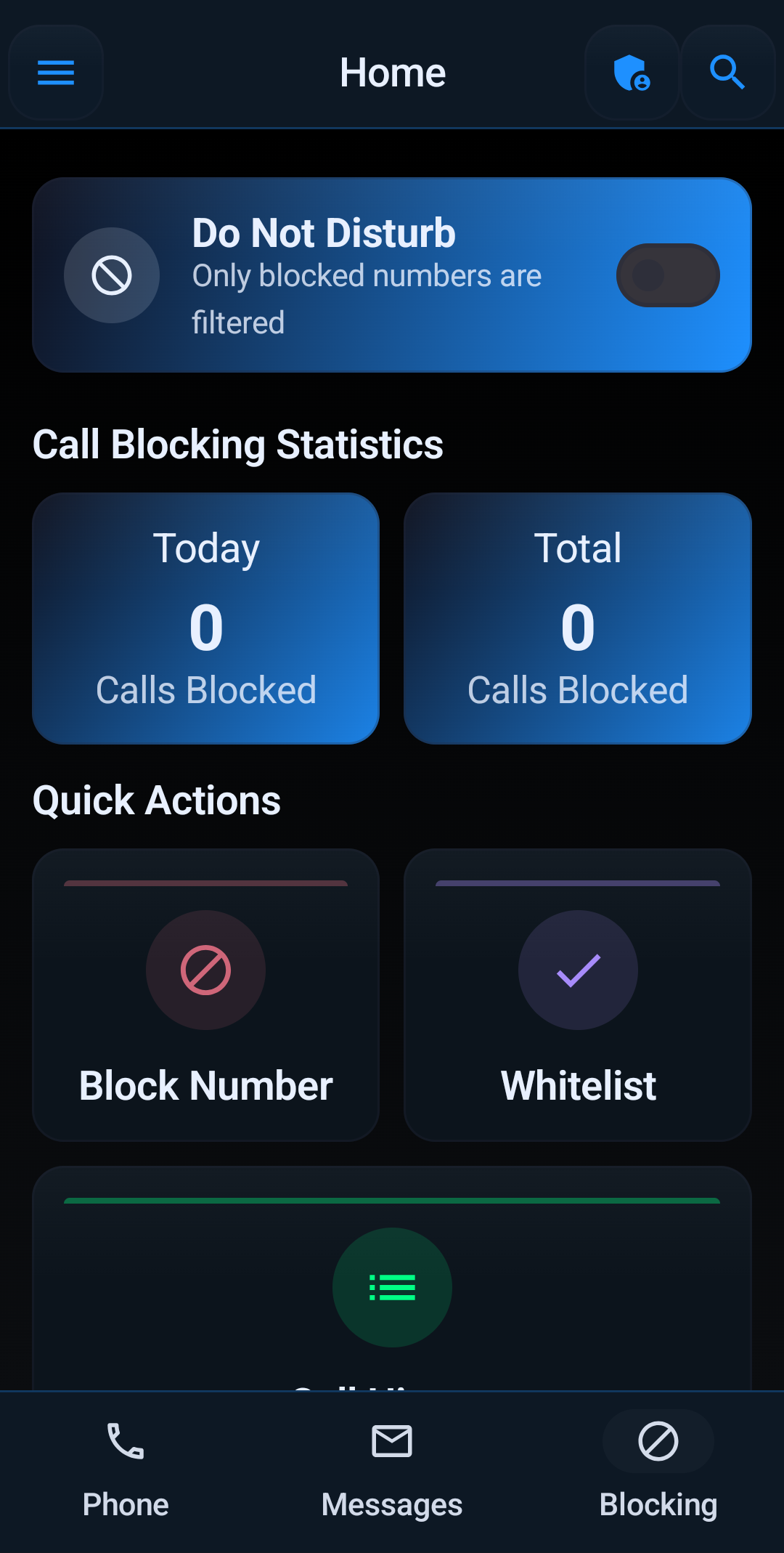
Included in the Free Install
Every feature the checklist asks for, without a subscription.
- Trusted contacts and whitelists, checked first
- Unknown, private, and international caller handling
- Area code, prefix, and number-pattern rules
- Spoofed-call controls
- SMS and MMS spam filtering
- Profiles, schedules, and Block Guard Mode
- Blocked-call log with reasons
- Encrypted backup and restore
Before You Turn Anything On
- Grant the call permissions during setup. Add SMS permission only if you want texts filtered.
- Whitelist family, work, medical, and any number you cannot afford to miss.
- Start at a moderate protection level: private numbers and unknown callers to voicemail.
- Turn on spoofing controls and, if local-looking spam is a problem, a prefix rule.
- Check the blocked-call log in two days and adjust from the reasons it shows.
Still comparing apps? Run this one through the checklist first.
More Buyer's Guides
Compare features, prices, and setups before you commit to a spam call blocker.
How to Use Block Guard
Install, protect your important callers, pick a protection level, and tune from the log. The setup that makes any spam call blocker earn its keep.
Read the guide →Best Spam Call Blocker for Android
The seven things that separate a spam call blocker you keep from one you uninstall, and how Block Guard scores on each.
Read the guide →Spam Call Blocker Feature Checklist
A printable ten-point checklist to run any call blocker through before you trust it with your phone.
Read the guide →Free vs. Paid Spam Call Blockers
What a free blocker should already do, what is worth paying for, and the pricing patterns to avoid.
Read the guide →Spam Call Blocker vs. Carrier Apps
Why the built-in dialer and carrier spam labels are a floor, not a ceiling, and what a dedicated app adds.
Read the guide →Best Spam Call Blocker for Business Phones
How to block spam on a phone that has to answer unknown customers, without a contacts-only lockdown.
Read the guide →